
Shanghai Metro Tickets: Tap a Foreign Card, Buy a Ticket or Use a QR Code
For most Shanghai Metro rides, tap an eligible contactless bank card at the gate, then use the same card to exit. If the card is declined at entry, buy a single-journey ticket at the station service center. If your card worked at entry and fails at the exit, show it to staff so they can check the trip. You can ride without setting up a local payment app.
1. Choose your fare before you join a queue
Tap to Ride: Start here if each person has an eligible contactless card. Shanghai Metro lists Visa, Mastercard, American Express, JCB and UnionPay for eligible cards at the gate. Your issuer needs to allow contactless low-value transactions. The regular metro fare starts at CNY 3 and rises with distance, according to the city’s fare guide.
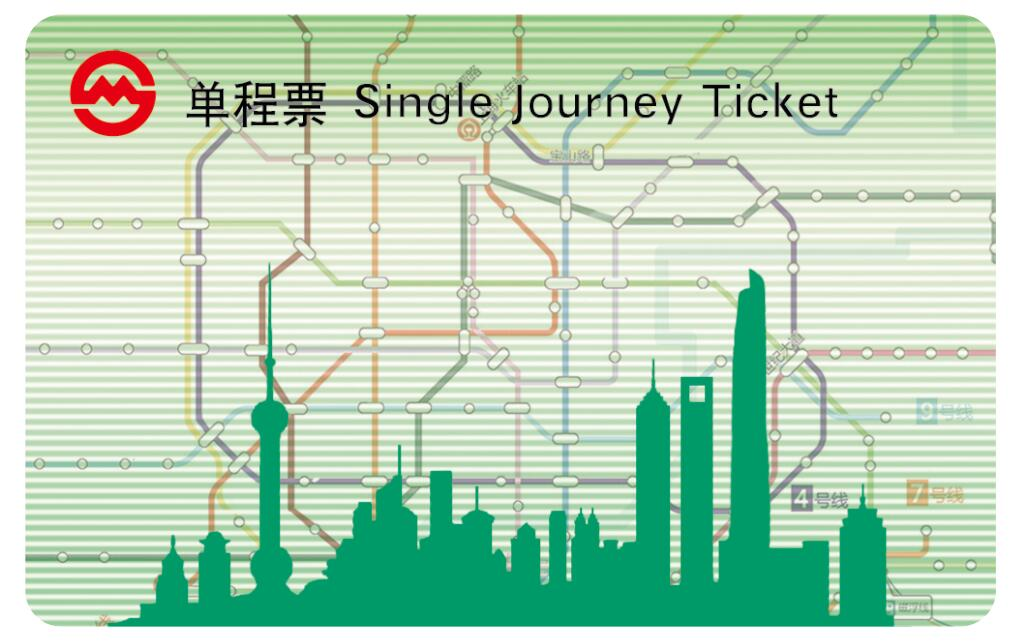
Single-journey ticket: Choose this if your card fails, you want to pay cash, or several people are sharing a bank card. For a full day of frequent rides, ask staff for the metro’s day pass and check whether the lines you need are included. The Airport Link Line and Maglev have different fares and passes.
2. Tap at the gate and keep the same card for the exit
Take one compatible contactless card out of your wallet. At the turnstile, look for the bank-card network logos and contactless symbol. Hold one card at the reader and wait for acceptance before walking through. On an open turnstile, the gate can already be open, so still wait for the reader’s response. Each traveler needs a separate active fare.
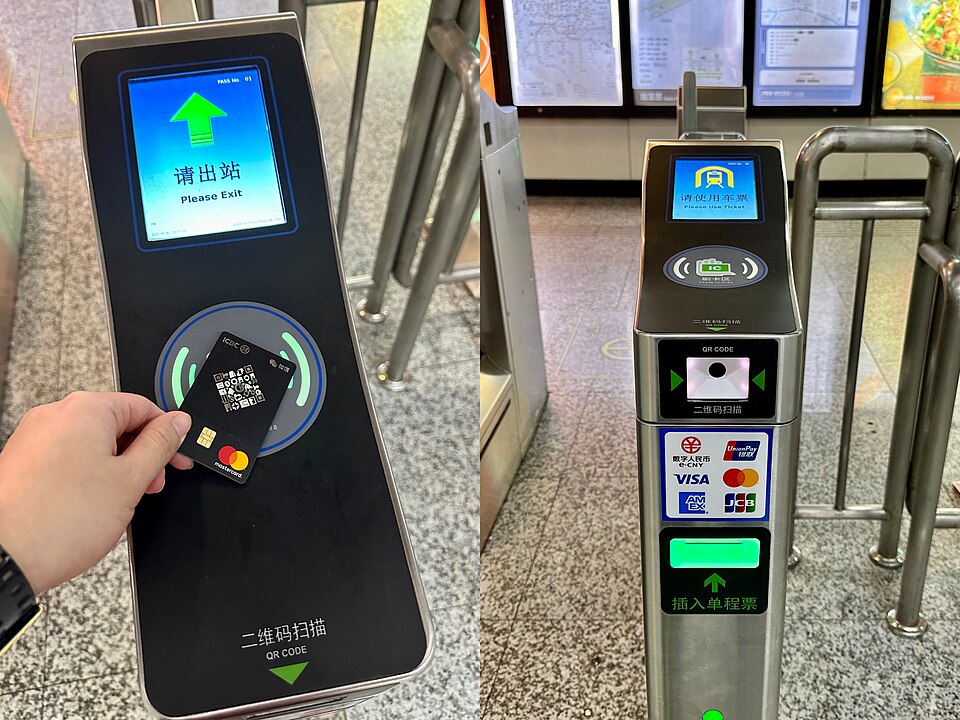

At your final station, tap the same card on the way out. If you entered using a mobile device, keep that same device and payment selection for the exit. If the reader shows an error, step aside and show staff the card or device used at entry. Show them the station name and say 我在这个站进站,刷卡出不去。 (“I entered at this station and my card isn’t working at the exit.”)

3. Buy a single ticket if the card declines
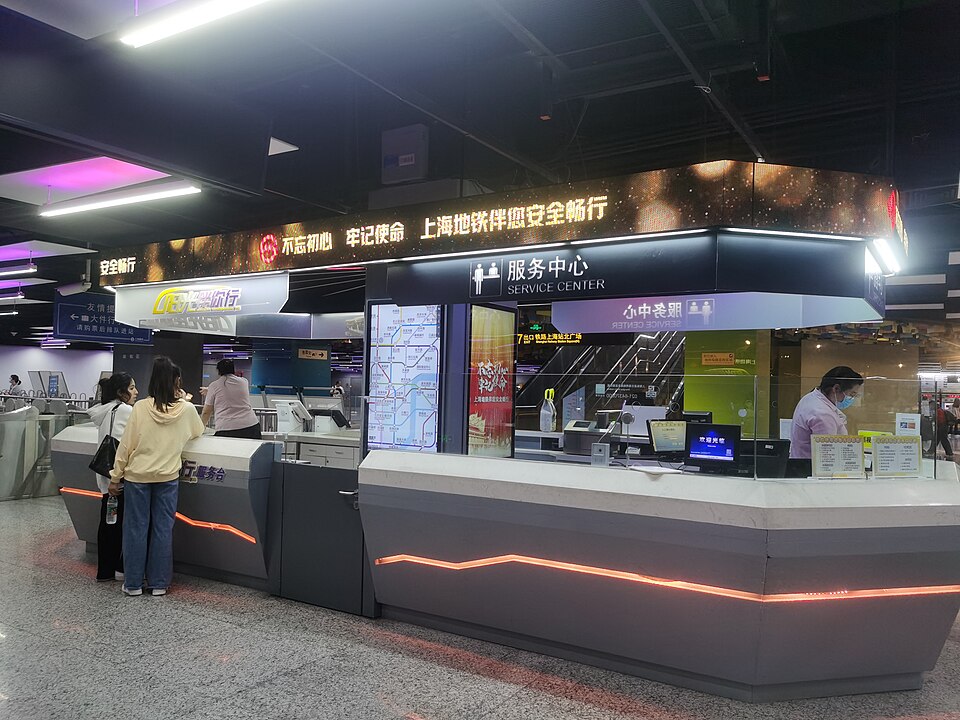
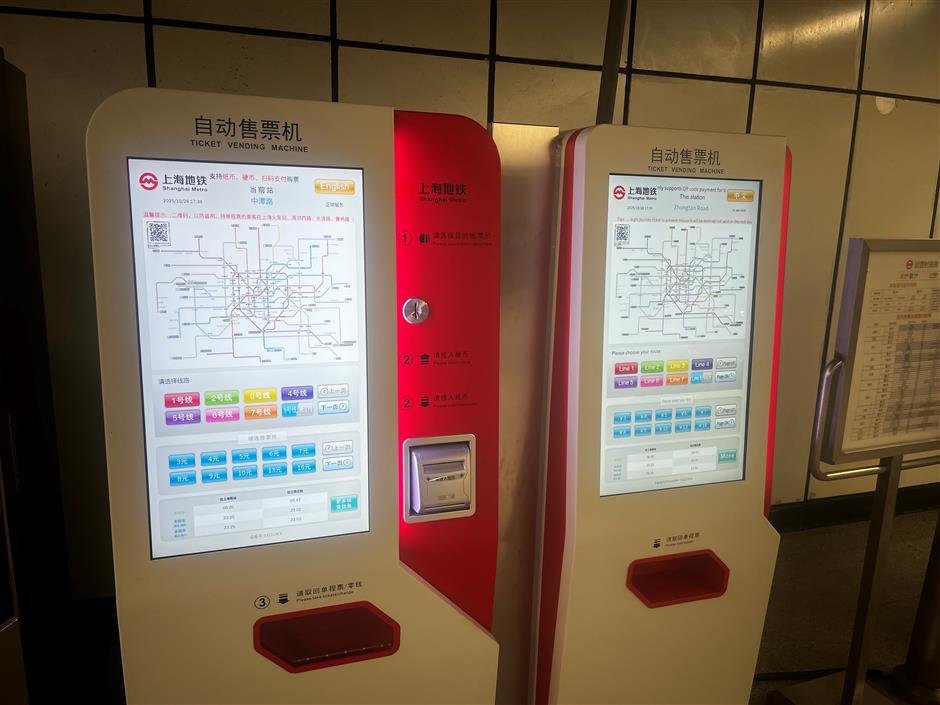
- Find Tickets / 售票 or Service Center / 服务中心 in the unpaid concourse. At a machine, choose English if offered, choose your destination on the map or line list, tell the machine how many people are traveling and pay with a method displayed there. Collect a separate ticket for each traveler.
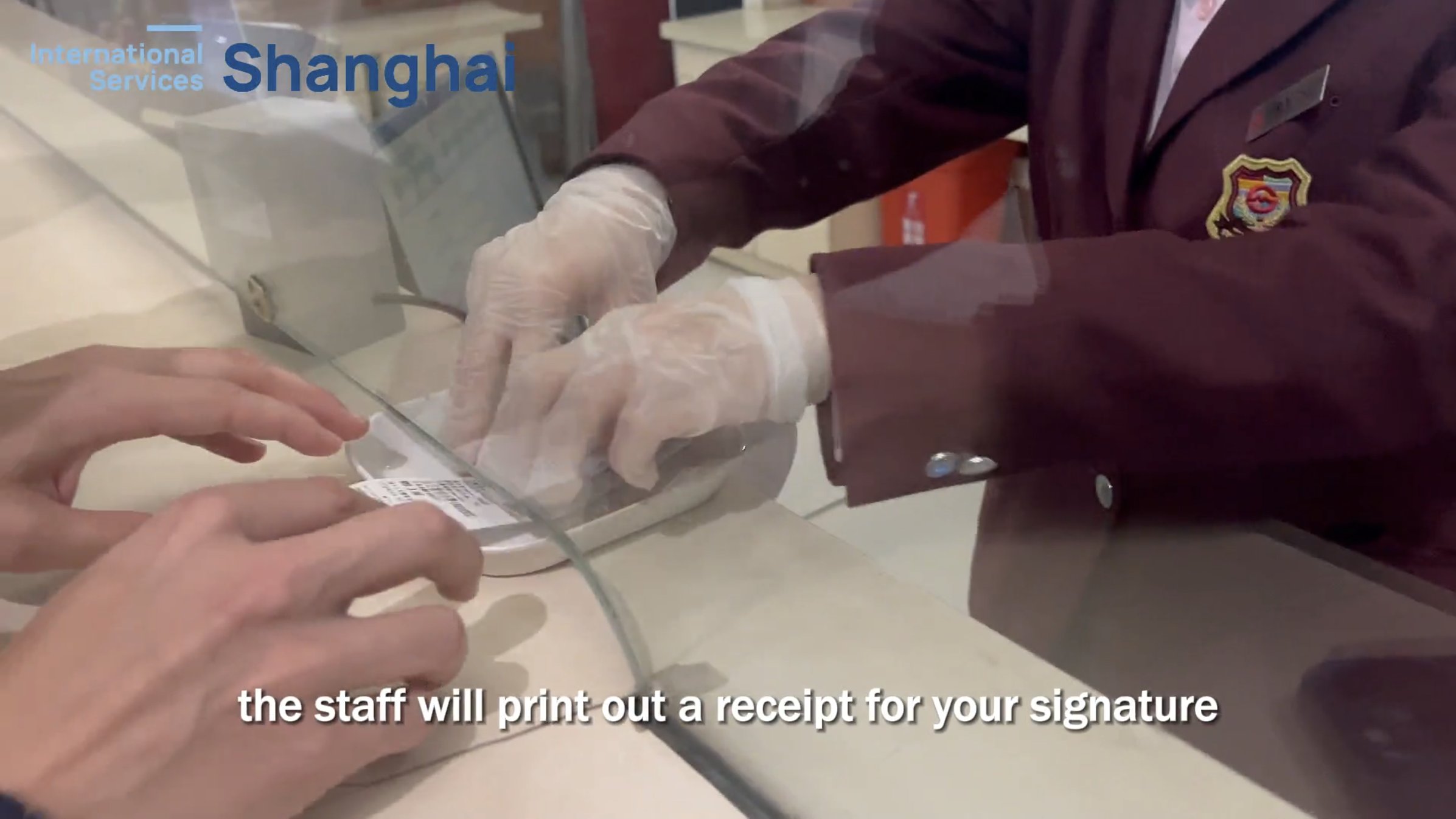
- If the machine will not take your card, show a staffed counter your destination in Chinese. You can say 请给我一张到交通大学的单程票。 (“One single ticket to Jiao Tong University, please.”) Replace the Chinese station name with your own. The city lists overseas Visa, Mastercard, Discover, Amex, Diners Club and JCB at staffed card terminals.
- Check which ticket you received. Scan the printed QR ticket at both gates and keep it dry and flat until you are out. For a reusable plastic single-journey ticket, follow the gate’s tap and return instructions. The gate collects that plastic ticket at exit.


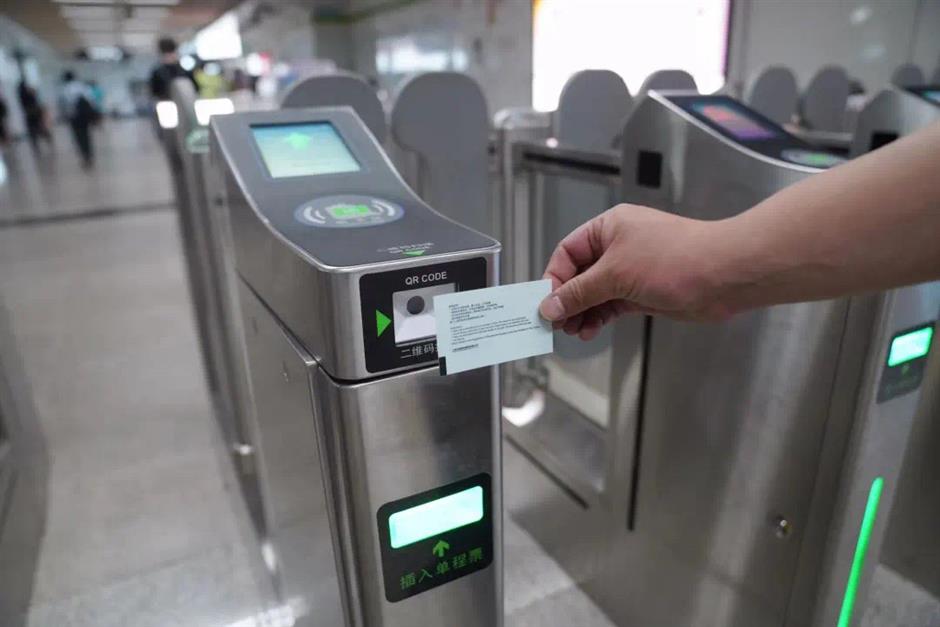
4. Use a transit QR code if you already have one set up
In Alipay, open Transport / 出行 from the home page. Set the city to Shanghai / 上海 at the top of the transport screen.
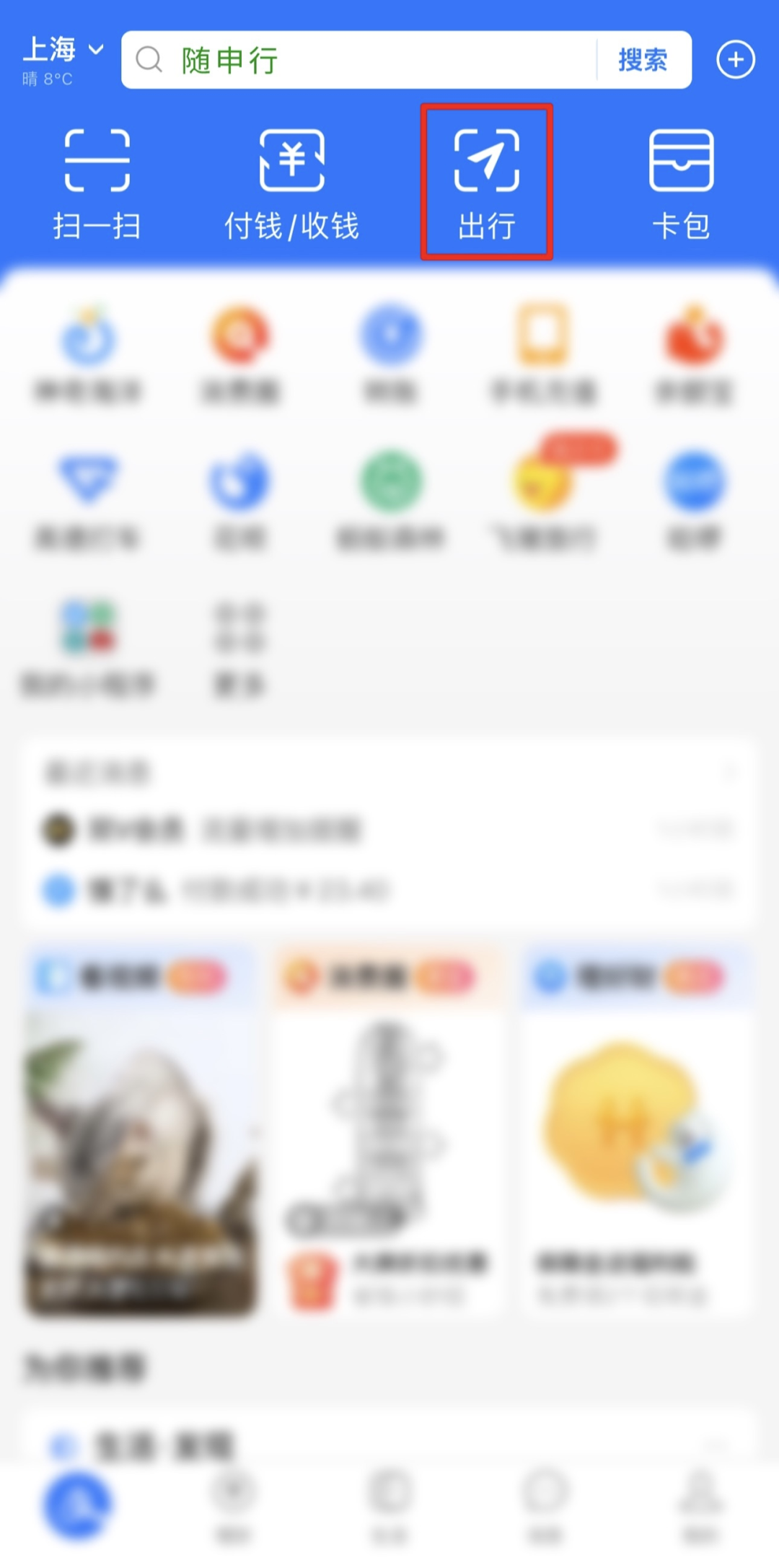
Choose Metro / 地铁 and look for Shanghai’s city transport code 随申码(上海城市出行码). Tap 前往开通 to activate and complete any account prompts. If a different transit card is showing, Shanghai’s walkthrough says to open 管理 → 交通卡管理 and add the Shanghai city transport code.

After activation, tap 立即使用 to display the live ride code. Present it to the optical scanner at the gate and reopen the same Alipay service and account to exit. If the scanner directs you to the service center, show staff the live code and tell them your starting station. If your account cannot activate the code, tap a card or buy a single ticket before entering.

5. Follow the line, direction and exit number
Check the line number and the destination list before boarding. If you are starting at Hongqiao Terminal 1, for example, the metro entrance is on Line 10. Select a platform whose next stops lead toward your destination. For a transfer, stay inside the paid area and follow the next line number. Confirm the walking route before leaving a station with several exits.
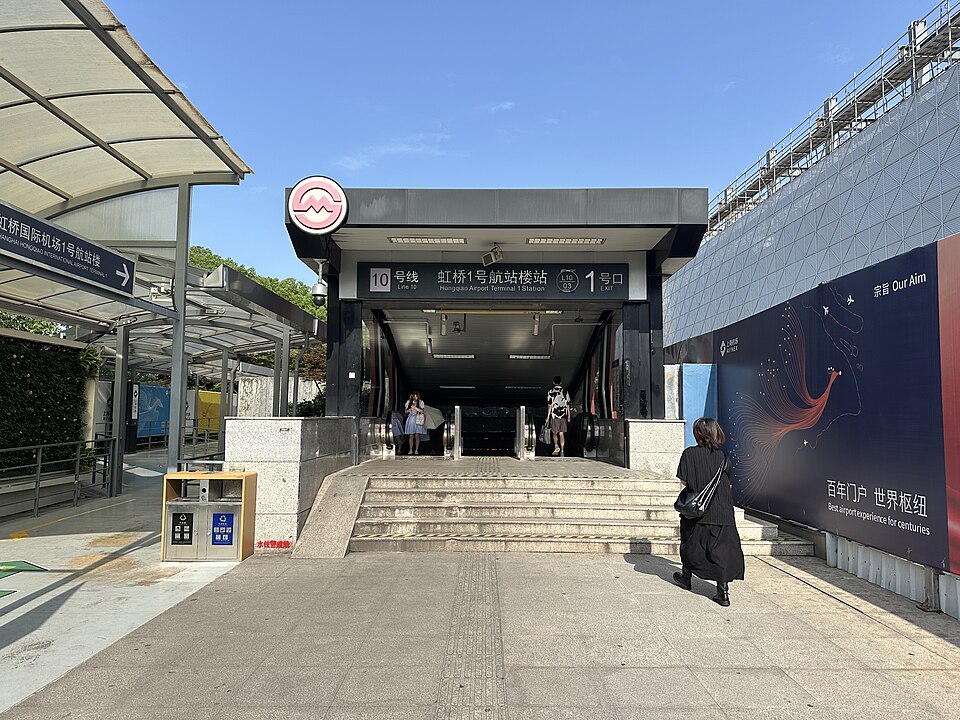

Read the exit number on your walking directions and use the lift signs when you have wheeled luggage. For a late ride, check the last train for your actual station and direction. The network’s last train and the last train that will take you to your hotel can be different.
You’re set when: each traveler has a separate fare, you can see your line and direction, and you have kept the same card, ticket or QR service for the exit.